E-mail, password or Google
Your registered e-mail and password, or Google sign-in, open your account in any browser.
Login to Zuzu Bet Casino: 2FA and ten backup codes
Sign in with e-mail and password, Google, or fingerprint and Face ID in the installed web app. A password reset link stays valid for 60 minutes.
Keeping your Zuzu Bet account safe
Protect your account
Avoid these actions
Ways to sign in
E-mail, password or Google
Your registered e-mail and password, or Google sign-in, open your account in any browser.
Two-factor authentication
Use Google Authenticator or Authy for a 6-digit code, and keep the ten backup codes we issue.
Fingerprint and Face ID
Biometric unlock works in the installed web app on phones that support it.
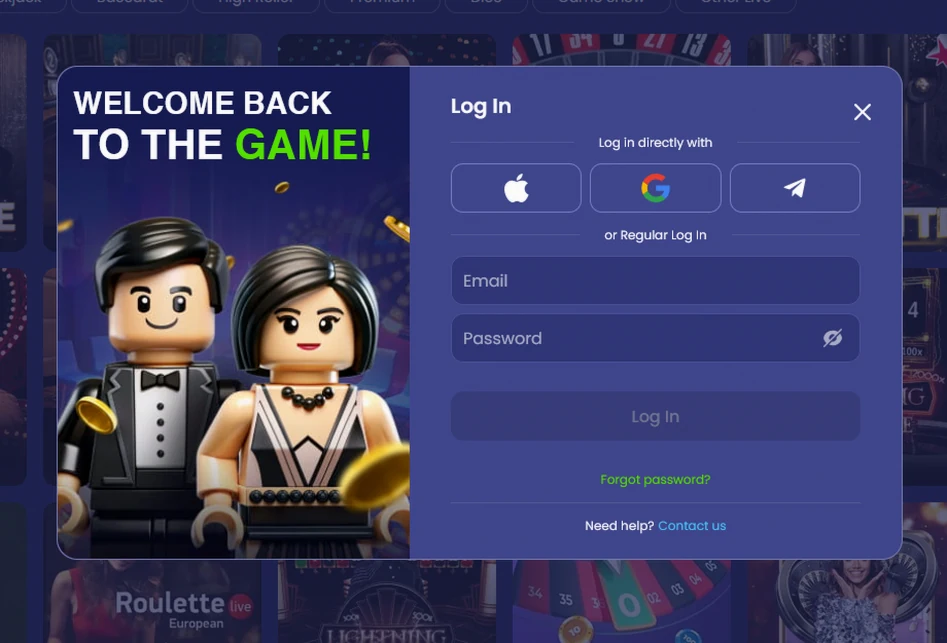
You sign in to Zuzubet with your registered e-mail address and password on any device, and the steps differ only in where you start: a computer browser, a phone browser or the installed web app.
Open the Zuzubet website, select Log in, type your e-mail address and password and confirm. If two-factor authentication is switched on, enter the 6-digit code from Google Authenticator or Authy as the last step.
Choose the ordinary account route or Google before entering credentials. They are different ways to reach the existing profile rather than separate registrations. Use the email attached to that profile when signing in on a new computer. Do not put a casino password into a Google prompt or send either password to a support message.
Have the configured authenticator ready for the second stage. Its code belongs to that confirmation field rather than the password box. If you use a shared computer, close the session yourself after viewing the account. The inactivity timer does not make an unattended screen private while another person can still use it. Keep recovery messages out of view when leaving the device.
The same form opens in the browser on Android and iPhone. After you sign in, the bottom bar gives you Casino, Sports, Live, Promotions and Cashier.
The lower navigation bar takes you to the product areas after access. Choose Cashier for funding or a withdrawal, and use account history for an existing transaction. If that transaction is already under review, repeating a payment is not a way to repair a login. Read the existing status first and tell the payment team what it shows.
Check whether you are in a browser tab or the installed PWA. Both can display the same content without offering the same device confirmation. An absent fingerprint prompt in a normal tab does not imply that the customer profile has stopped working. Use the browser access method documented here. A new phone or browser does not call for another customer account.
Once our web app is on your home screen, sign in with e-mail and password the first time and use fingerprint or Face ID unlock on later visits. The installation steps are on our app page.
Start from the home-screen icon to use the installed version. Fingerprint and Face ID are available through that route, while the existing account credentials remain the fallback. Installation does not create a separate wallet, change ownership of the profile or replace knowledge of the registered address.
Keep backup codes on a private recovery route that does not depend entirely on the same phone. If that handset becomes unavailable, an only copy stored inside its open session is not useful. Do not give a code to someone promising to sign in on your behalf. Our team can explain the appropriate screen from an error description without taking possession of the secret that confirms access.
We offer three ways in, e-mail with password, Google sign-in, and fingerprint or Face ID in the installed web app, with two-factor authentication layered on top.
| Method | What you need |
|---|---|
| E-mail and password | The e-mail address and password set at registration |
| Google sign-in | A Google account |
| Fingerprint and Face ID | The installed web app on a phone with biometrics |
| Two-factor authentication | Google Authenticator or Authy, a 6-digit code and ten backup codes |
Once you are in, the account menu shows your cash balance and bonus balance side by side, with the wagering bar of an active offer. How to claim and wager a bonus is covered on our bonus page. 18+ only. Bonus terms apply.
Most failed sign-ins come from a wrong password, a locked login or an expired reset link, and each has a quick fix.
| Problem | What happens | What to do |
|---|---|---|
| Five wrong passwords | The login locks for 15 minutes | Wait 15 minutes, then try again |
| Forgotten password | We e-mail a link valid for 60 minutes | Request a reset and set a password of 8 characters with one capital letter and one digit |
| Session closed | An idle session ends after 40 minutes | Sign in again |
| Authenticator app lost | The 6-digit code is unavailable | Enter one of your ten backup codes |
| Still locked out | The steps above do not help | Write to live chat, open 24/7, or to [email protected], answered within 12 hours |
Identify the failure before repeating an action. A forgotten password, a lock after failed attempts and a session ended through inactivity have different causes. A closed session does not by itself prove that the password has changed. A timed lock is not resolved by trying more guesses. Use the message to decide which documented response fits.
For recovery, request the reset from the account flow and use only the message you intentionally requested. Check the registered email address if the message is missing, and respect the link’s own validity window. Keep that link private and choose a replacement that meets the stated character rules.
If the issue persists, explain whether you opened a browser or installed icon and whether the failure comes before or after the additional code. Quote the screen text without including a password, an active code or full payment data. That lets an access question stay separate from a payment awaiting approval. Do not make another deposit merely to see whether a recovered login is working.
The login runs over TLS 1.3 with 256-bit encryption, and it is guarded by a 15-minute lock after five wrong passwords and a 40-minute idle timeout.
Two-factor authentication adds a 6-digit code from Google Authenticator or Authy, and the ten backup codes cover a lost phone. Only you may fund the account, because deposits from a friend, relative or partner are not allowed and the deposit goes back to its rightful owner.
Before your first withdrawal, or once deposits pass $3,200 in 30 days, we verify your identity within 24 hours. Send a passport, national identity card or driving licence, plus a proof of address from the last 3 months such as a recent utility bill or bank statement.
Read the separate balances and account indicators for their own purpose. The money balance is not the same field as the bonus balance; Zuzu Club progress is a membership measure, and the active wagering bar tracks a reward condition. The transaction history records prior payments. These are different account facts rather than one combined spendable figure. 18+ only. Full bonus terms apply.
Connection encryption protects transport between the handset and our servers. It does not replace the password or safeguard an unlocked phone handed to another person. Treat the authenticator and its recovery codes as account credentials, keep them outside ordinary chat messages and end shared-device sessions yourself. A support adviser can discuss the error without needing a code that completes your next sign-in.
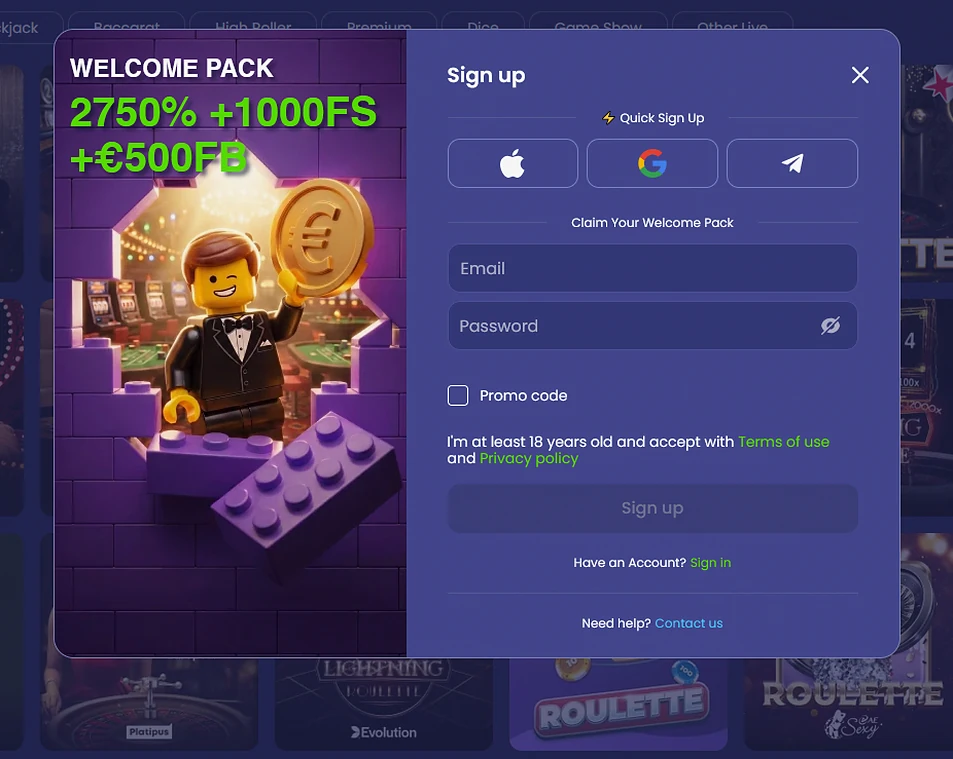
Registration takes about 2 minutes. First enter an e-mail address, a password and AUD as your currency, then your name, date of birth, address and phone number. You must be 18 or older.
The account then opens with one wallet for the pokies, the live tables and the sportsbook, and the Welcome Pack is chosen in the cashier at your first deposit. 18+ only. Bonus terms apply.
Zuzu Bet login questions
The e-mailed link is valid for 60 minutes, and the new password needs at least 8 characters, one capital letter and one digit.
Five wrong passwords lock the login for 15 minutes, and an idle session also closes after 40 minutes.
Yes, Google sign-in is available, and fingerprint and Face ID unlock work once you have added our web app to your phone.
Log in to your Zuzu Bet account
Review the ten-deposit welcome offers and their conditions. Reference screenshots show EUR amounts; check your AUD cashier. 18+.
18+ only. Gambling involves the risk of addiction and losing money. Bonus conditions apply.
Your next stop is the Zuzu Bet offer
The offer is opening. Check the terms and regional availability before registering.